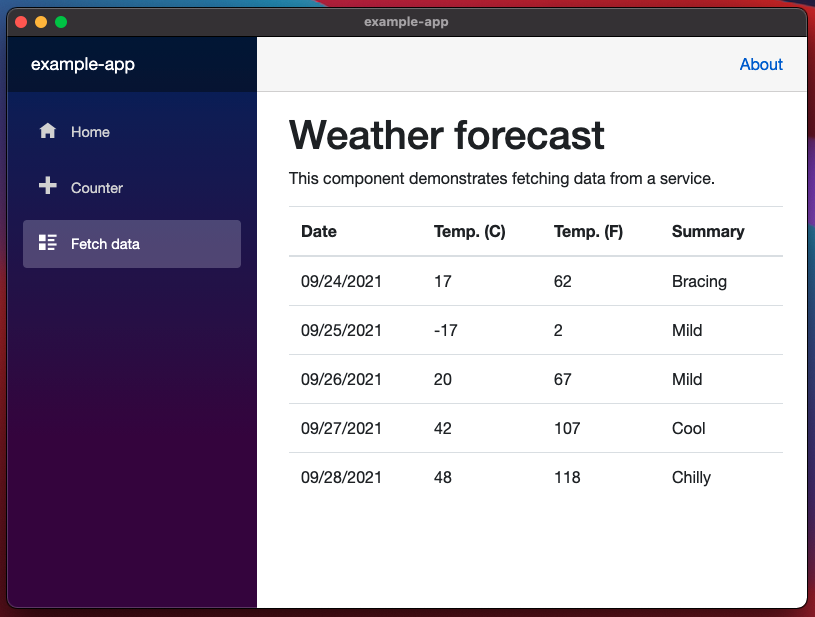
Develop Cross Platform Desktop App with Blazor and Electron.NET
- System: macOS Big Sur 11.6
- Dotnet: 5
Install Electron.NET CLI Tool
First, we need to install the Electron.NET tool.
dotnet tool install ElectronNET.CLI -gInitialize a Blazor Server Project
Then, we initialize a Blazor Server project named example-app.
dotnet new blazorserver -o example-app --no-httpsAlso, we use a tool called electronize to setup Electron related settings.
cd ./ExampleApp && electronize initRun Blazor Server with Electron
To make the server run together with Electron, we need to install the ElectronNET.API package and make some necessary code change:
Program.cs
public static IHostBuilder CreateHostBuilder(string[] args) =>
    Host.CreateDefaultBuilder(args)
        .ConfigureWebHostDefaults(webBuilder =>
        {
            webBuilder.UseElectron(args); // Use Electron.
            webBuilder.UseStartup<Startup>();
        });
Startup.cs
public void Configure(IApplicationBuilder app, IWebHostEnvironment env)
{
    ...

    // Open the Electron-Window here
    Task.Run(async () => await Electron.WindowManager.CreateWindowAsync());
}
Start the Development
Now, we can start the project with file watcher.
electronize start /watch